Hesai LiDAR Setting
This chapter provides instructions on how to adjust settings of your Hesai LiDARs.
Default network settings
By default, all Hesai LiDARs are set with the following:
- IPv4 Address: 192.168.1.201
- LiDAR Destination Port: 2368
In case you do not know your device's network settings, you can follow these instructions.
Change network settings
Hesai LiDARs provide a web interface to access their settings panel. To access it, please follow the steps below:
- Power the LiDAR and connect it to your computer
- Set the computer's IP address in the same subnet as the Hesai LiDAR
- In a browser, type the LiDAR's IP address
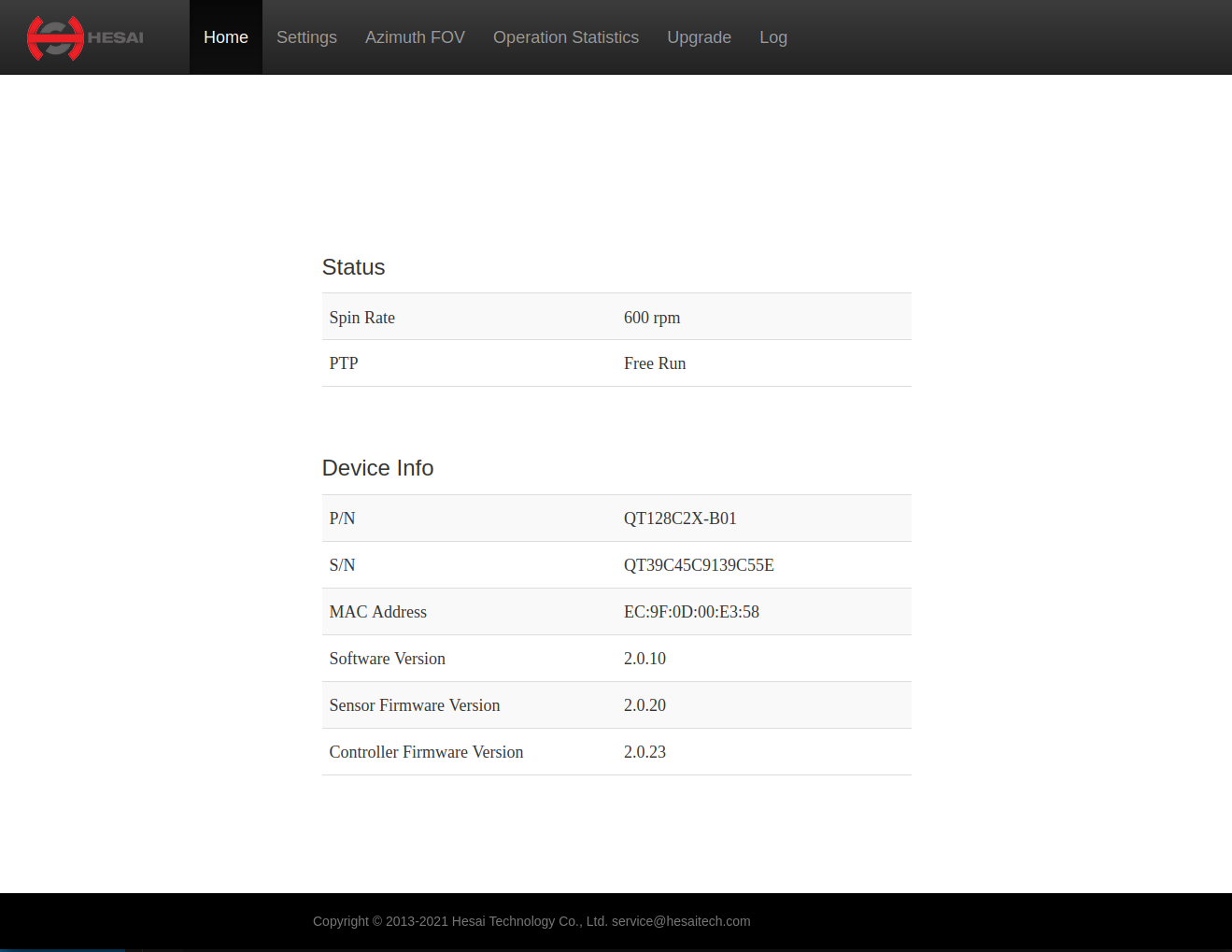
- In the console, navigate to Settings
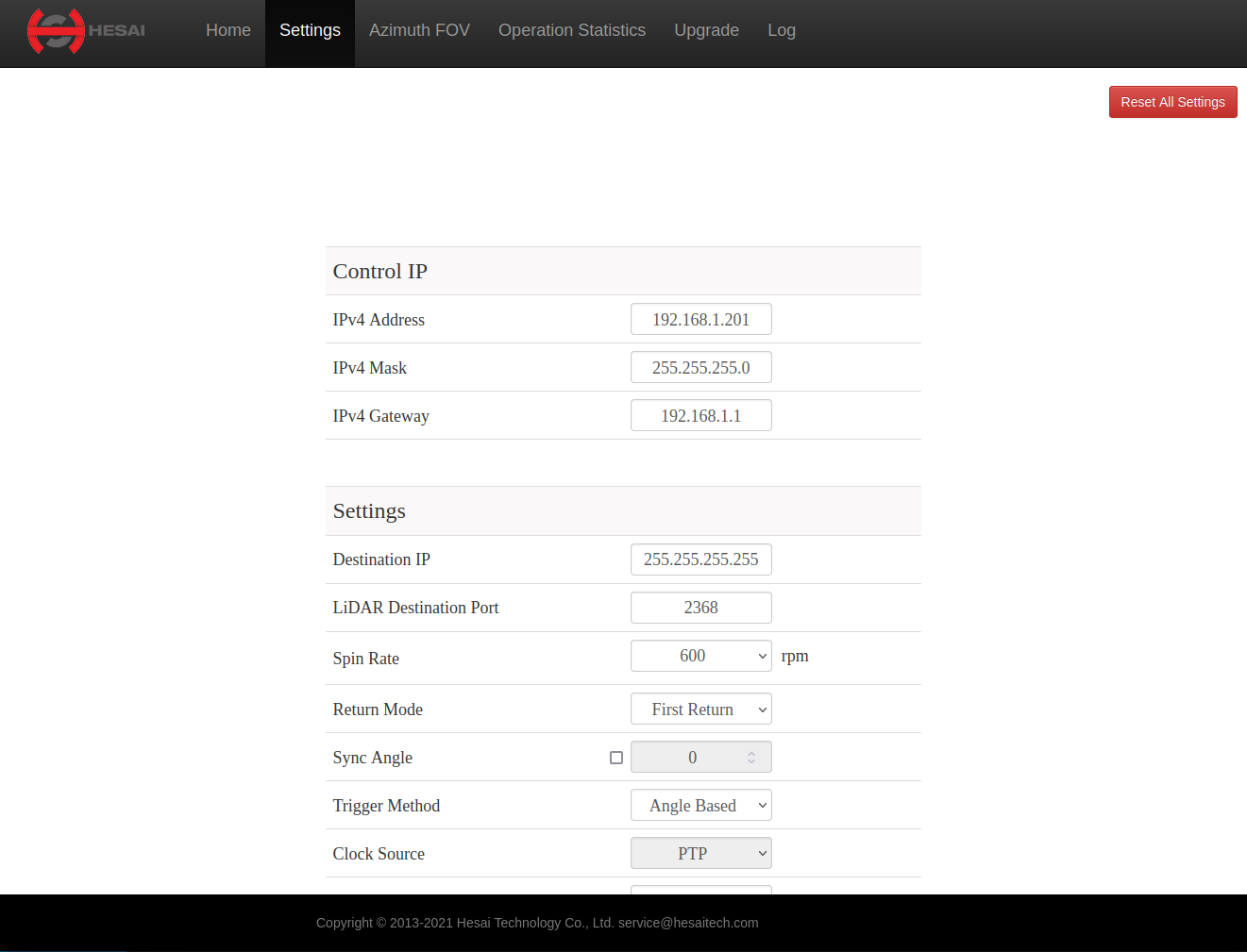
- In IPv4 Address, enter the desired IP address for the LiDAR
- In LiDAR Destination Port, enter the desired Port
- At the bottom of the page, click Save.