SENSR-I (Web)
SENSR-I (Web) is a web viewer to check the current status of SENSR-I. The viewer also provides a minimum set-up function of sensor and algo nodes, and zone. But we recommend using embedded SENSR for setting up these things because embedded SENSR respond much faster and stable.
note
SENSR-I (Web) only supports Chrome browser.
Installation
- Open SR Launcher
- Select version what you want to install under SENSR-I(Web) category and click
update - You can optionally select install path via Path icon
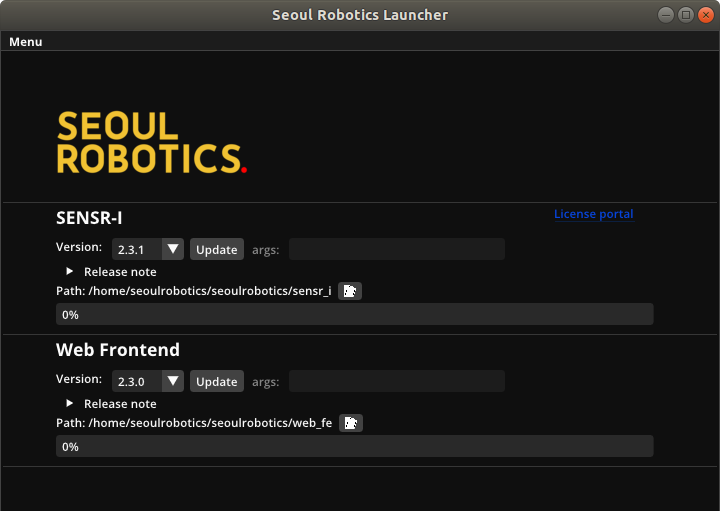
- After successful installation, you will see the below screen.
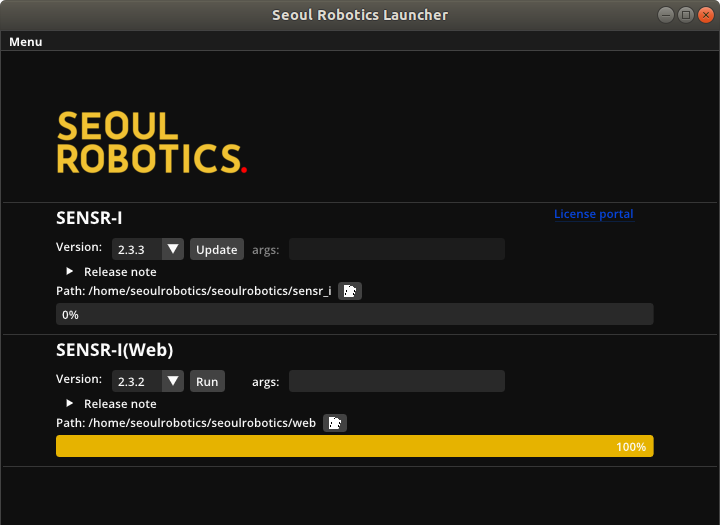
Execution
- Launch embedded SENSR-I
- Open Terminal and go to the SENSR-I(Web) installed path
- Run
./start.shwith proper arguments.- IP address where embedded SENSR is running
- Default : 127.0.0.1
- Publishing port of SENSR-I (Web) server
- Default: 5000
- IP address where embedded SENSR is running
- Open Chrome browser and type ‘http://[SENSR-I(Web) server ip address]:[publish port]’
E.g ) http://localhost:5000